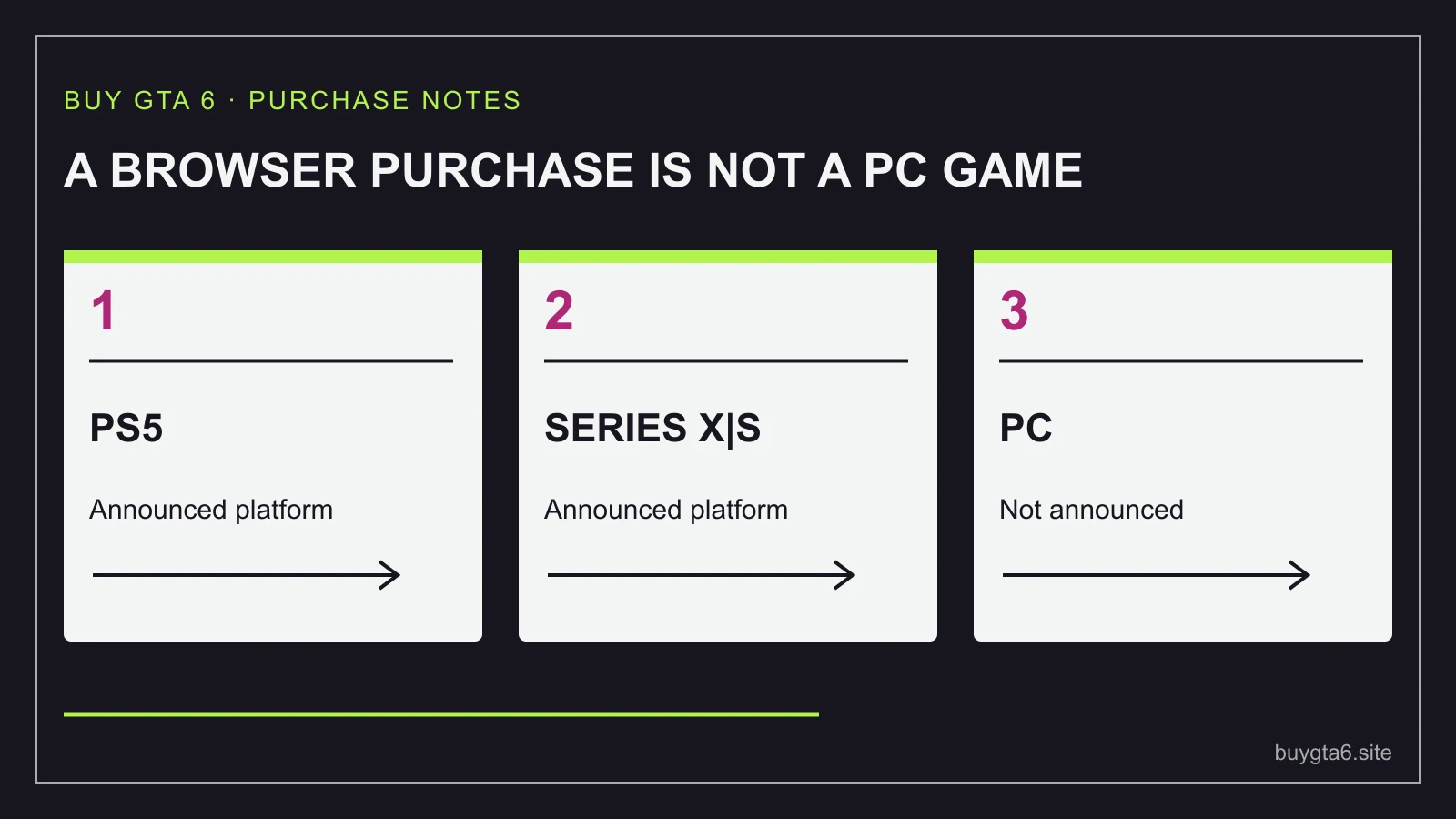
If you only own a PC, do not buy a supposed GTA 6 PC key on the strength of a seller's promise. Rockstar's official GTA VI page, checked on 14 October 2026, names PlayStation 5 and Xbox Series X|S for the announced release on 19 November 2026. It does not list a PC version.
PS4 and Xbox One are also outside that announced platform list. An expensive gaming PC, an older PlayStation or an older Xbox does not become suitable because a listing uses the same game name. Check the exact machine before spending.
You have two useful paths: wait for official information that fits the hardware you want to use, or buy a suitable console after checking the whole cost. Neither choice makes you a less serious fan. The right answer is the one that gives you a workable way to play without leaving you regretting the bill.
No announced PC version means there is no confirmed PC buying route here
A missing PC announcement is not a promise that a PC version will never exist. It means you cannot base today's purchase on an official PC release date, PC price or PC system requirements from the pages checked for this guide.
That difference is important. Saying 'I will wait for an announcement' keeps a future possibility open. Saying 'I will buy this PC key now because the port is certain' spends real money on a claim you have not established.
A seller can create a listing before a product has a confirmed buying route. A game title, attractive image and a preorder button do not turn that listing into an official announcement. Look for a matching platform on Rockstar's page and a proper product page in the intended store.
Do not upgrade your computer specifically for a made-up GTA VI requirement list. A new graphics card or processor might be useful for your current games, but that is a different reason to buy it. Until actual PC requirements are announced, you cannot calculate a reliable GTA VI PC upgrade bill.
The same applies to alleged PC download sizes, release windows and performance claims. Predictions may be interesting conversation, but they are poor checkout evidence. You can enjoy following the news while keeping your money available for a confirmed choice.
Check the exact console name, not just the brand
PlayStation is a brand covering different generations. Xbox is too. A listing for a current console game does not automatically work on every machine with the same logo.
If someone else owns the console, ask them to check its model in the system information or on the hardware label. Do not guess from a photograph of its controller. A household can have more than one generation, and controllers or store accounts can make the names feel more interchangeable than they are.
The similar Xbox names deserve particular care. Xbox One S and Xbox Series S are different machines. Xbox One X and Xbox Series X are also different. The word Series is part of the buying check, not a small detail you can ignore.
For PlayStation, confirm PS5 rather than PS4. If you are browsing used listings, read the full console description and ask for the exact model. Buying a game first and discovering that the household machine is from the wrong generation creates two problems instead of solving one.
| Hardware you have | What the current announcement lets you plan |
|---|---|
| PC only | Wait for official PC information or price a suitable console route |
| PS4 | Do not treat a PS5 purchase as playable on PS4 |
| Xbox One, One S or One X | Do not confuse these with Series X|S |
| PS5 or Xbox Series X|S | Check the matching game licence, account and final purchase total |
Owning a suitable generation is the beginning of the check. You still need a working machine, an intended account and a suitable purchase. Do not let a correct model name excuse a vague seller or wrong-platform code.
Price the whole console route before choosing it
The game price is only part of the cost when you do not own suitable hardware. Start with the console's actual checkout total. Add the game, delivery and any item genuinely needed to use that specific purchase. Keep nice-to-have accessories in a separate column.
A sensible note has four lines: console, game, unavoidable extras, and money left after paying. The last line matters. A purchase that technically fits your bank balance can still leave too little room for ordinary life.
Check what comes with the console. A used seller might omit a controller or cable. A bundle may include things you already have or do not want. The largest discount percentage does not tell you whether the package is the cheapest useful route for your situation.
Do not add a new television simply because a product page shows a perfect setup. First check whether your current display works with the console and suits how you plan to use it. Decide on any display upgrade separately, with its own reason and budget.
Storage needs should be checked against the actual game information available when you order. Do not buy a drive based on a rumoured download size. You can inspect the console's free space now, but an exact GTA VI space requirement needs confirmed product information.
For an invented example, imagine the console route comes to 520 in your currency and the game total is 90. Your entry cost is at least 610 before any other needed item. Comparing that with only the game's price hides most of the decision. Write the full sum where you can see it before clicking Buy.
If you expect to sell the console later, do not count a hoped-for resale price as cash you already have. A future buyer, sale price and selling cost are uncertain. Buy a console you can afford to keep if the resale plan does not work out.
Choose a console for the life it will have after this purchase
Start with the platform you already understand. An existing game library, account and comfortable controller can make one choice easier to live with. If both suitable routes are new to you, compare what else you would use each machine for.
Ask which current games you want, what other people in your household use, where the machine will sit and how often you expect to play. A slightly lower initial price may matter less than having a library you actually want to return to.
Do not buy a more expensive model solely because someone predicts a GTA VI frame rate or picture quality that has not been verified. General hardware capability is not a test result for this particular game. If that difference is the main reason you would pay more, wait for trustworthy information that directly answers it.
A disc drive can be useful for other purchases, but it is not a reason by itself to pay more for GTA VI's announced code-in-box format. Use the PS5 disc-drive check or the Xbox digital and disc-console guide for that specific issue.
Keep extras out of the first comparison unless you need them. A second controller, premium headset or decorative cover can wait. Decide which machine gives you a sound, affordable route, then decide whether an accessory solves a real problem.
You can also try a controller in a shop before committing if that is practical. Treat a display experience as a chance to judge comfort, not proof of how an unreleased game will perform.
A used console can lower the bill, but check the complete purchase
A cheaper used machine can be a reasonable option when its condition and seller terms are clear. Ask for the exact model, included items, condition description and return arrangements. Keep the answers in the selling platform's message system so they belong to the transaction.
Look for a working demonstration appropriate to the sale. A photograph of the home screen does not show every possible fault, but a seller who refuses basic information is not giving you much to judge. Check ports, controller condition and whether required cables are included.
Do not value a used console mainly because the seller says it comes with an account full of digital games. That is a different proposition from buying hardware and receiving a licence on your own account. You want control of your purchases, not a promise that someone else's login will stay available.
For a local handover, compare the journey and the practical ability to inspect the item with a seller who ships it under clear terms. A bargain that requires an expensive trip or leaves no useful recourse may save less than its headline suggests.
Do not sell your only current gaming device before the replacement is confirmed and working unless you have deliberately accepted that gap. Keeping the change in a sensible order reduces the chance of having neither a working old setup nor a reliable new one.
Make waiting an actual plan
If PC is the platform you want and the console bill feels too large, waiting is a complete decision. You can choose an event that will make you look again: an official PC announcement, a verified suitable-console offer, or enough spare money to cover the whole route comfortably.
Check official news on a schedule that suits you. You do not need to refresh rumours every day. A saved official page and an occasional check give you a calmer way to follow a change without spending in advance.
Keep a game fund separate in your own budgeting if that helps. The amount remains useful whether you eventually choose PC, a console or a different game. Buying store credit for an unannounced route can reduce that freedom.
Waiting also lets you judge information unavailable in a preorder decision. If performance, accessibility or other practical details matter greatly to you, later verified coverage may answer them. Do not label an early marketing description as a hands-on review.
You are not guaranteed a discount by waiting, and you are not guaranteed a PC announcement within a particular period. The benefit is simpler: you keep control of your money until there is a confirmed purchase you are willing to make.
When a seller promises a shortcut
Be wary of a listing that promises a PC key while the official platform information does not support it. Ask what exact licence is being sold, where it will redeem and which official product page matches it. A reply that only says 'trust us' leaves the basic question unanswered.
A downloadable launcher is not proof that the game exists for your machine. Neither is a file labelled GTA 6, a survey, a password-protected archive or an account-access service. Avoid installing unknown software to test a seller's claim.
Do not share account details to unlock an alleged version. PlayStation's security advice says to keep account details private, and that principle is useful whenever a seller tries to turn a normal game purchase into an account handover. Stay with purchases you can identify and control.
A cloud or remote-play promise also needs its own verified service and supported title. It is not a way to fill in a missing PC announcement by assumption. Read what the service actually offers today instead of treating any streamed picture as a PC licence.
Our offer-legitimacy guide walks through the listing checks. If a seller cannot identify the delivered product clearly, you have enough reason to leave the payment unfinished.
Choose your next step without spending twice
If you already have a suitable console, choose the matching licence and use the where-to-buy guide to compare suitable channels. If you have no suitable machine, settle the hardware decision first. The game purchase should follow a workable setup, not force you into an expensive rescue purchase.
If you choose to wait, keep the amount available and the reason for waiting clear. If you choose a console, write down its full entry cost and why you would still want it after playing this game. Then make the purchase in an order that leaves you able to check each step.
A good GTA 6 buying decision ends with a real way to play. For a PC-only owner today, that means respecting the announcement we have, keeping future possibilities separate, and refusing to pay for a version that a seller cannot properly establish.
Sources and references
- Rockstar: GTA VI announced platforms and release date ↗
- Xbox Store: GTA VI supported platform ↗
- PlayStation: PS5 hardware and digital models ↗
- Xbox: current Series X|S console range ↗
- PlayStation: account security advice ↗
Sources checked 14 October 2026. Follow your exact order for current collection instructions.