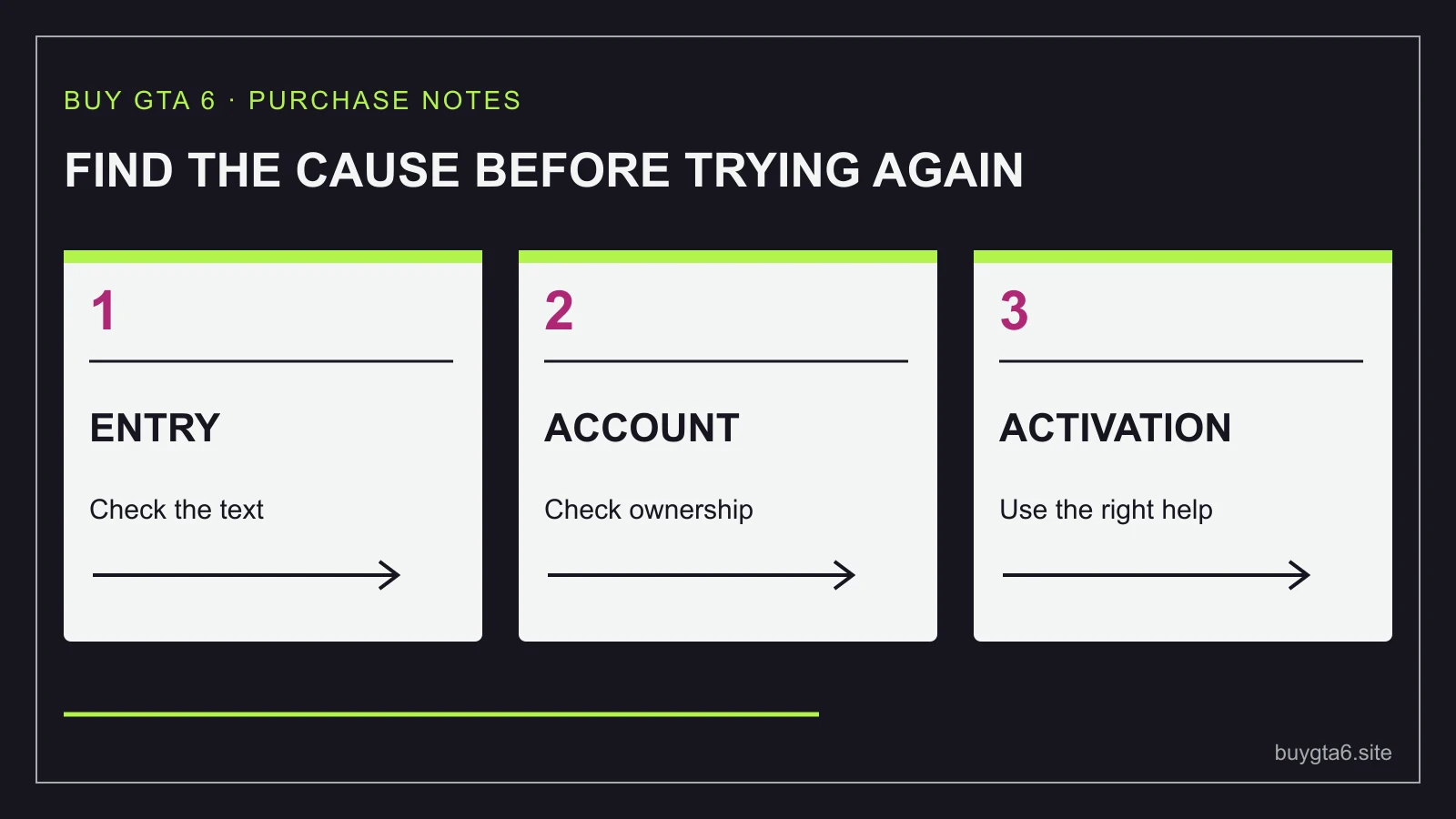
If your GTA 6 code will not work, do not buy another copy yet. Save the exact error message, check which product the code is for, and confirm the account you are signed into. Then work through the matching problem below. The wording of the error is far more useful than “the game is broken”.
A failed code entry, a successful redemption with no visible download, and a downloaded game that cannot be played yet are different problems. Solving one with instructions for another can waste time or attach the purchase to the wrong account.
Rockstar says GTA VI's physical box contains a download code rather than a disc. That makes the small slip inside the box valuable. Keep it private, keep the receipt, and leave any unused replacement code untouched while the first problem is being resolved.
Start by identifying the stage that failed
| What happened | What it suggests | Your first action |
|---|---|---|
| The store rejects the code before adding anything | Code, account, region, activation or service issue | Record the exact error and verify the product and account |
| The code was accepted, but you cannot find the game | Library, account or download issue | Check transaction history and the library on the same account |
| The game is downloading slowly or stops | Installation, storage or connection issue | Keep the redemption record and inspect the download queue |
| The game is installed but not playable before launch | Preload may be complete before play opens | Compare the date with the official launch information |
| An upgrade appears but there is no base game | You may have bought only extra content | Read the full product name on the receipt |
Do not keep entering an accepted code. It is meant to be used once, so a later “already redeemed” message can simply mean the first attempt succeeded. Look for the successful transaction instead of assuming the second message proves a bad purchase.
Write down the console platform, account country, date and time, order number and error text. If there is an error number, copy that too. A screenshot is useful, but cover the full code before sharing it outside official support.
Make sure it is a game code for the right platform
Read the label on the box, code card or order email. A PlayStation game code goes through PlayStation redemption. An Xbox code goes through the Microsoft account used for Xbox. A retailer's order number is not a game code. A discount code may only reduce a checkout total. A wallet card adds store money rather than placing GTA VI in your library.
There is another common mix-up: an Ultimate Edition Upgrade is extra content for an existing Standard copy, not the full game by itself. If the receipt says Upgrade, a missing base game may be a purchase mismatch rather than a faulty code. Our upgrade guide explains what each item does.
PlayStation describes its vouchers as 12-character codes and separates them from shorter discount codes. Microsoft codes commonly use five groups of characters. Follow the format shown by the official redemption screen rather than trimming a code to make it fit the wrong box.
Copy a digital code without the seller's surrounding text. If typing from paper, compare each group slowly and pay attention to characters that look similar. Do not rub or scratch a damaged panel harder in the hope that missing print will appear. Preserve it for the seller or platform to inspect.
If you bought the wrong product, stop trying to redeem it. Microsoft directs wrong-code purchases back to the retailer. Ask about correcting the order while the code remains unused. Our refund guide explains how seller purchases differ from direct platform purchases.
Check the signed-in account before you try again
On a shared console, the active profile may belong to someone else. In a browser, the account may be an old sign-in you forgot about. Look at the account name and email before confirming redemption, and compare them with the account you normally use for your games.
Do not enter the code on a second account just to see whether it works. If that attempt succeeds, you have created a different problem: the game belongs to an account you did not intend to use. PlayStation says redeemed funds and content cannot be transferred between accounts.
If someone helped set up your console, ask which account owns your existing purchases. You do not need to give them the new code or your password to get that answer. Open the library and purchase history yourself.
For a gift, the recipient should redeem the code on their own account. The buyer should keep the receipt and provide it privately if support needs it. A code bought by one person can still be intended for another, but redeeming it on the buyer's account does not preserve that intention.
Family accounts have additional rules. A child account's age settings or spending setup may affect a voucher. Use the official family support for the account's country and have the family manager decide the appropriate next step. Do not replace the account's birth date with false information to force a redemption.
If the message mentions country or region
Your account's country is part of the purchase check. It is not necessarily your present location. Travelling abroad or moving house does not turn a UK account into a Canadian account just because the console is now plugged in there.
Rockstar's GTA VI guidance lists specific PlayStation code groups. Its North America group includes Canada and the United States. The United Kingdom has a separate group. Use that GTA VI list for the game code and match it to the account. A seller's vague “English version” description is not a substitute for a confirmed redemption group.
For GTA VI Xbox game codes, Rockstar says the codes are not region-locked. Do not therefore decide that every region-related message on Xbox must be harmless. You may be trying to redeem a wallet card, a different game, a subscription or another product with separate rules. Identify the item first, then ask support about the actual error.
For example, a buyer might purchase a box in London for a PlayStation account registered in Canada. The English packaging does not solve the account-region mismatch. The right route is to ask the seller about an unused-code exchange or refund, not to make a random new account and hope to move the game later.
A virtual private network, or VPN, changes where a connection appears to come from. It does not make the code become the correct product for your established account. Do not pay someone for a “region unlock” before the seller or platform has identified the problem. See our account-country buying guide for the purchasing side of this issue.
If the code is inactive, missing or damaged
Some retail vouchers require activation when the seller completes the sale. PlayStation says affected vouchers carry wording showing that they have no value until activation at the register. If your product has that wording, an activation problem belongs with the retailer that sold it.
Do not assume every GTA VI box needs till activation. Check the actual packaging and error. The useful question is: “Does this product need retail activation, and does my receipt show it completed?” The seller can examine its transaction without you guessing how every game code is issued.
For a code printed on a receipt, PlayStation directs recovery problems to the retailer. Keep that receipt dry and flat, and make a private copy before heat-sensitive print fades. The shop may need the original transaction details to recover the correct code.
For other damaged PlayStation vouchers, support may request proof of purchase and pictures of both sides. Photograph the card clearly in a private support conversation. Do not post the full image publicly to ask strangers which missing character they think it is.
If a new box arrived without the promised code, record the packaging, included items and order details. Ask the seller to supply the missing item or explain the replacement process. An empty box is a fulfilment issue; it is not solved by changing console settings.
If it says the code has already been redeemed
Check the account's transaction history and game library first. The initial redemption may have worked even if the screen paused or the download did not start. PlayStation also suggests checking accounts associated with your consoles when a voucher appears already used.
If you recognise a successful transaction for the game, stop troubleshooting the code itself. Move to the library and download section below. Save the redemption date, because it proves which stage completed.
If you do not recognise the redemption and you bought a new code, contact the seller with the exact message and receipt. Also use the relevant platform's official support route. They can investigate within their systems; a public code-checking website cannot reliably establish who used your purchase.
Do not accept “just log into this other account” as a replacement for the promised new code. That changes the purchase into access through someone else's account. It may bring security and ownership problems and can conflict with platform rules.
A secondhand box can contain an already-used slip. The appearance of the box tells you nothing about whether the code remains redeemable. Our used-copy and code ownership guide explains why a used code-in-box game is different from a traditional used disc.
If the store is unavailable or the error changes
Check the official platform service-status page. A store outage can prevent a valid code from being accepted. Wait for the service to recover rather than testing the same code on several accounts.
PlayStation's troubleshooting guidance suggests signing out and back in when there are no reported network problems. If the console screen still fails, use the platform's official web redemption route on the same intended account. Microsoft also offers web redemption and describes updating the app or device when an error specifically requests a newer version.
For PlayStation on PS5, its support route is PlayStation Store, the menu, More and Redeem Code. For Microsoft, the official code redemption page lets you sign into the intended account and follow the prompts. Confirm the account again when moving from console to browser.
Do not assume that restarting the console fixes an expiry date, wrong product or region mismatch. Match the action to the error. If the message changes, save the new wording and note which action preceded it. That gives support a useful sequence rather than a pile of guesses.
If the code was accepted but the game is missing
Use the same account that redeemed it, then check the library and transaction history. A game appearing in purchase history but not in the expected library view may need a refreshed sign-in or the correct library filter. Search the full product name and inspect the download queue.
If the purchase was an upgrade or bonus, it may not appear as a separate full game. Read the redeemed product's description. Extra content may be applied inside the base game, and its availability can follow the publisher's release schedule.
Preloading also differs from playing. Rockstar lists preloading from November 12, 2026 and launch on November 19. A successful redemption before launch does not mean the story opens immediately. Compare what the screen promises with the official date rather than treating every locked play button as a failed code.
If installation starts but stops, record its error and check available storage and connection status. Do not erase unrelated games or factory-reset the console as your first move. The redeemed code should not need to be bought again merely because the download paused.
Give support a clear, private record
I bought GTA VI [edition/platform] from [seller] on [date], order [number]. I tried to redeem it on my intended [PlayStation/Microsoft] account, registered in [country]. The screen says [exact error]. The code is [unused as far as I know / shown in my transaction history]. I have checked [specific checks]. Please investigate the redemption or activation issue and tell me the next step.
Attach the order receipt and a screenshot with the code hidden unless official support specifically needs the code in its secure process. Keep the case number. Ask the seller and platform to identify whether the fault belongs to the supplied code, retail activation, account restriction or download stage.
A refund or replacement code should be recorded clearly. If a replacement arrives, confirm the first code's status before keeping two active purchases. The purpose of troubleshooting is to restore the game you paid for, with clear ownership, rather than quietly paying again because the first error was confusing.
Sources and references
- Rockstar: GTA VI platforms, codes, regions and preload ↗
- PlayStation: voucher code problems ↗
- PlayStation: voucher redemption ↗
- Microsoft: redeem a gift card or code ↗
- Microsoft: update-related transaction error and web redemption ↗
Sources checked 14 October 2026. Follow your exact order for current collection instructions.