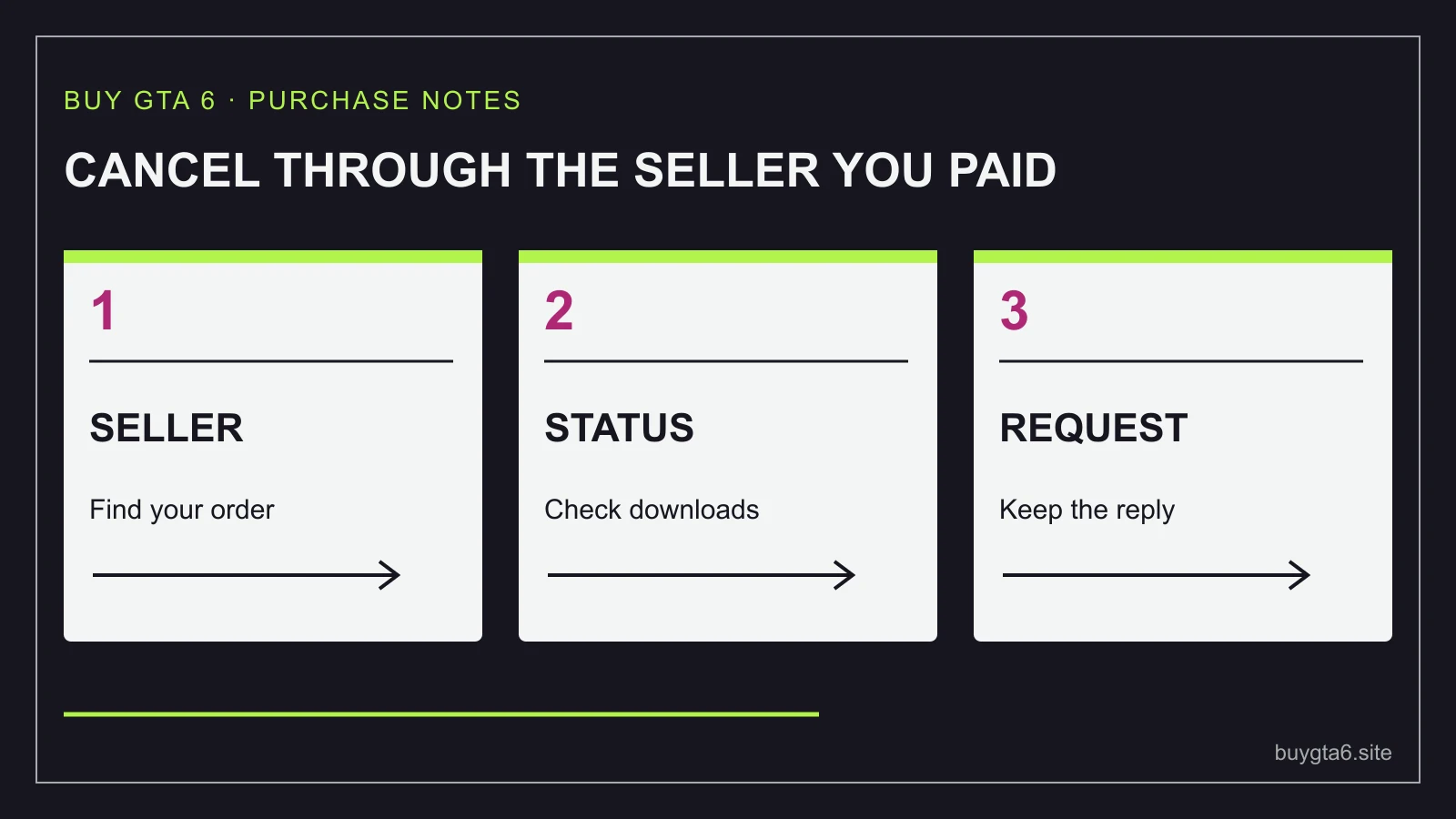
To cancel a GTA 6 preorder, start with the business that accepted your order. A PlayStation Store purchase goes through PlayStation. A Microsoft Store purchase goes through Microsoft. A boxed game or code bought from a retailer goes through that retailer, even when the code will eventually be redeemed on a console.
If you are changing your mind, stop any download, preload or code redemption while you check the terms. Those actions can affect what the seller will allow. If the product is faulty, missing or wrongly supplied, describe that problem clearly instead of treating it as an ordinary change of mind.
A refund request, an approved refund and money appearing in your account are separate stages. You need evidence of each stage rather than assuming that closing a browser tab has cancelled the order.
Identify what you actually bought
Find the confirmation email and look at the seller name, product description, platform, order number and payment status. The title “GTA VI” alone does not tell you which refund process applies. You may have bought a full digital game, a boxed download code, an upgrade, store credit or a preorder deposit.
Write down whether the item has shipped, whether a code has been revealed, whether the code has been redeemed, and whether the main game has started downloading. These are different events. An untouched code inside an unopened box is a different situation from a game already added to an account and preloaded.
A bank statement helps find the payment, but it may use a shortened trading name. Match the amount and date to the order email. Do not send your entire statement to a seller when a specific order reference and a cropped payment entry will establish the transaction.
| Your purchase | Start here | Important detail |
|---|---|---|
| Game bought on PlayStation Store | PlayStation refund support | Purchase timing and main-content download status |
| Game bought on Microsoft Store | Microsoft order history | Whether Cancel item is still available |
| Box or code from a retailer | The retailer's order page or support | Shipment, code use and the product's return terms |
| Gift card used to fund a purchase | The seller of the item you want refunded | The game and the gift card are separate transactions |
If the order email says Standard Edition but you meant to buy Ultimate, you may not need to cancel at all. A separate upgrade exists. Compare the actual options in our Standard to Ultimate upgrade guide before creating a second purchase.
PlayStation Store: the preorder rules depend on when you bought
PlayStation's US refund page divides preorders into two groups. If you placed the preorder more than 14 days before release, its stated change-of-mind route requires a request before the release date and no download or preload of the main content. If you placed it less than 14 days before release, the stated route uses a request within 14 days of purchase, again without downloading or preloading the main content.
The same page says faulty content is treated separately. It also explains that immediately accessible preorder extras stop working when the eligible preorder is cancelled. A bonus appearing in your account does not mean you get to keep it after cancelling the purchase that provided it.
Use the refund page for your account's country when making the request. This guide explains the published US support route; it does not turn that page into a promise for every country. If you bought exactly at a timing boundary and the checklist is unclear, provide the purchase timestamp and ask PlayStation to apply the correct category.
The practical point is easy to miss: preloading is downloading. “I have not played it” does not answer the question about whether the main content has been downloaded. If you are still deciding whether to cancel, check the console's preorder download setting and queue before the preload period begins.
As a simple example, imagine you ordered well before launch, then changed your mind before the game released. If the main game has not been downloaded, the early-preorder checklist is the relevant place to start. Now imagine the console automatically starts the preload while you are away. You must tell support that this happened. Do not describe the game as undownloaded because you have not opened it.
Open the official PlayStation refund request guide, select the purchase type and follow the account-specific route. Save the request confirmation and any case number. If the main content has a genuine problem, state that problem and when it occurred rather than selecting a false reason to fit a checklist.
Microsoft Store: look for Cancel item, then use the refund route if needed
Microsoft's cancellation guidance starts with order history. Sign into the Microsoft account that placed the order, find the relevant item and look for Cancel item. If it is available, select the item, complete the cancellation steps and retain the confirmation email.
Microsoft explains that being charged or having an item shipped can remove the simple cancellation option. Its guidance sends Xbox purchases towards the Xbox refund request route when cancellation is unavailable. A missing button therefore needs a different next step; it does not justify deleting the order email and assuming that the purchase is final in every circumstance.
Use the official Microsoft order history. Confirm the product and order number carefully if you have several purchases. Cancelling an upgrade will not necessarily cancel the base game, and cancelling one item in a larger order does not mean every item is cancelled.
For a charged Xbox game purchase, use the Xbox digital refund request page and read the current conditions shown for your account and country. Do not treat an old online claim about a fixed number of play hours as guaranteed permission to try a game and return it. A request still needs a decision under the applicable terms.
If the order does not appear, check the account used to buy it. Families often have several Microsoft accounts, and a browser may sign into a different one from the console. Search the confirmation email for the order reference before asking support to locate a purchase without it.
Do not change account details merely to make the order appear. The aim is to find the purchasing account and submit an accurate request. Keep any reply from Microsoft with the original order record so you can tell whether cancellation was completed, a refund was requested, or more information is needed.
Retailer preorders: a box does not always mean ordinary disc returns
Rockstar says GTA VI's physical version contains a download code and no disc. That matters when you ask a shop about returns. A retailer may have separate rules for unopened packaged products, revealed codes and redeemed digital content. Look at the terms attached to the specific listing and order.
Before dispatch, use the retailer's cancellation control if available and wait for confirmation. If the order is already being prepared, the retailer may need to confirm whether it can stop the parcel. A cancellation request is not proof that a warehouse has stopped shipping it.
If the parcel has shipped, ask for the correct return process and what to do when it arrives. Do not improvise by writing “return to sender” without knowing whether that creates a traceable return under the seller's process. Keep the parcel and its contents in the condition requested while the seller explains the next step.
A store pickup order can also need a formal cancellation. Not collecting the game does not always mean a prompt refund. The seller may hold it, cancel it later or handle a deposit separately. Use the actual order controls and keep the response.
For a third-party seller on a marketplace, identify who sold the item and which marketplace process covers the order. A familiar marketplace logo does not mean the platform itself supplied the game. Keep messages inside the order's official support system where possible so the history stays connected to the purchase.
Understand deposits, payment holds and refunds
A preorder can involve money taken immediately, money charged later, a deposit or a temporary card hold. These have different meanings. A card hold sets money aside; it may disappear without a separate refund entry. A completed charge may need a refund transaction. A deposit may have its own stated terms.
Check the order confirmation and your bank's transaction label before deciding what is missing. If the seller says the order was cancelled but you still see a pending payment, ask whether it was a hold or a completed charge. If the charge completed, ask for the refund amount, date and reference.
Keep the game price and delivery charge separate in your notes. If you paid extra for a delivery service, ask how that charge will be handled. Do not assume that every seller refunds every fee under every kind of cancellation.
A seller can approve a refund before the bank displays it. Equally, a support agent can say they have submitted a request before anyone has approved it. Use the wording in the confirmation. “Requested” is still pending; “refunded” should have a recorded amount and date.
If you paid with store credit, do not assume cash will arrive in your bank account. Follow the stated refund method. This is another reason to separate the game purchase from the gift card used to fund it.
Send a short request that contains the useful facts
You do not need a long complaint to start. A clear request lets support find the order and apply the right process. Include the order number, product, platform, purchase date and the current status. Say whether a code was revealed or redeemed and whether the main content was downloaded.
Please cancel order [number] for GTA VI [edition and platform], purchased on [date]. The order is [not dispatched / dispatched / digital preorder]. The code is [not supplied / unopened / revealed but unused / redeemed]. The main game has [not started downloading / started downloading on date]. My reason is [brief accurate reason]. Please confirm whether cancellation or a refund is available, the amount and payment method, and any return steps I must follow.
Remove any parts that do not apply. For a wrong product, state the mismatch: “I ordered the Xbox version but received the PlayStation version.” For a non-working code, include the error message and explain what the seller has already asked you to try. Our code troubleshooting guide helps you gather those facts.
Do not send a full game code in a public review or open social post. Support may request it through a secure official channel, but that is different from putting it where other people can redeem it.
If the seller refuses, stays silent or the refund does not arrive
Ask for the specific reason and the policy being applied. That helps you spot a misunderstanding, such as support treating an unused wrong-platform item as a used game. Reply with the relevant evidence and case number rather than opening several unrelated conversations.
If the response says a refund was processed, compare its date and amount with the original payment. Ask the seller for a transaction reference if the payment provider needs one. Follow the stated processing window for that transaction, rather than a number borrowed from another shop's website.
If ordinary support does not resolve the issue, use the seller's formal complaint or marketplace dispute route. Your payment provider may have a separate purchase-dispute process and its own time limits. Ask what evidence it needs and describe the facts accurately. A payment dispute is not the same thing as pressing a store's refund button.
Consumer rights depend on where you bought, the product and what went wrong. Use a relevant local consumer authority if the issue remains unresolved; do not apply a cancellation deadline from another country. Keep the order, support replies and payment records together.
Most avoidable trouble happens when someone buys a replacement before the first purchase is settled. If you still want GTA VI through another seller, decide whether you can carry two charges temporarily and whether the first item is genuinely returnable. A cheaper second listing is not a saving until the unwanted purchase is resolved.
For your next decision, read whether to preorder or wait. A preorder is useful when it solves a real need. If you are uncertain about the version, account or delivery plan, taking a moment to settle those details can be worth more than reserving a copy quickly.
Sources and references
- PlayStation: refund requests and preorder criteria ↗
- Microsoft: cancelling an order or preorder ↗
- Microsoft Store: terms of sale and digital game refund route ↗
- Xbox: digital game refund request ↗
- Rockstar: physical version and upgrade information ↗
Sources checked 14 October 2026. Follow your exact order for current collection instructions.